Concept Nodes
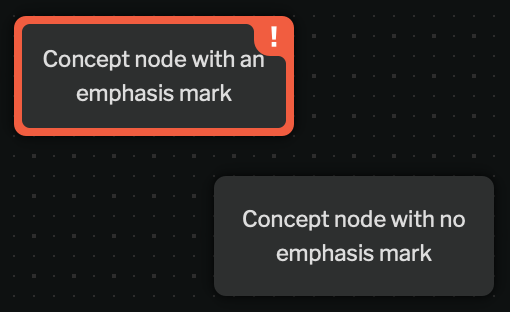
Concept nodes are free text that can be inserted into a case. To insert a concept node, double click anywhere on the graph that isn’t a node, or select concept from the add nodes tray.
To add/change an emphasis mark, right click the concept node.
Rich Text in Concept Nodes
Section titled “Rich Text in Concept Nodes”
Text in Concept nodes supports bold and italic formatting. To format text, select the text you want to format and press Ctrl+B (⌘+B on Mac) for bold or Ctrl+I (⌘+I on Mac) for italic.