Easier to Use. Fewer Clicks.
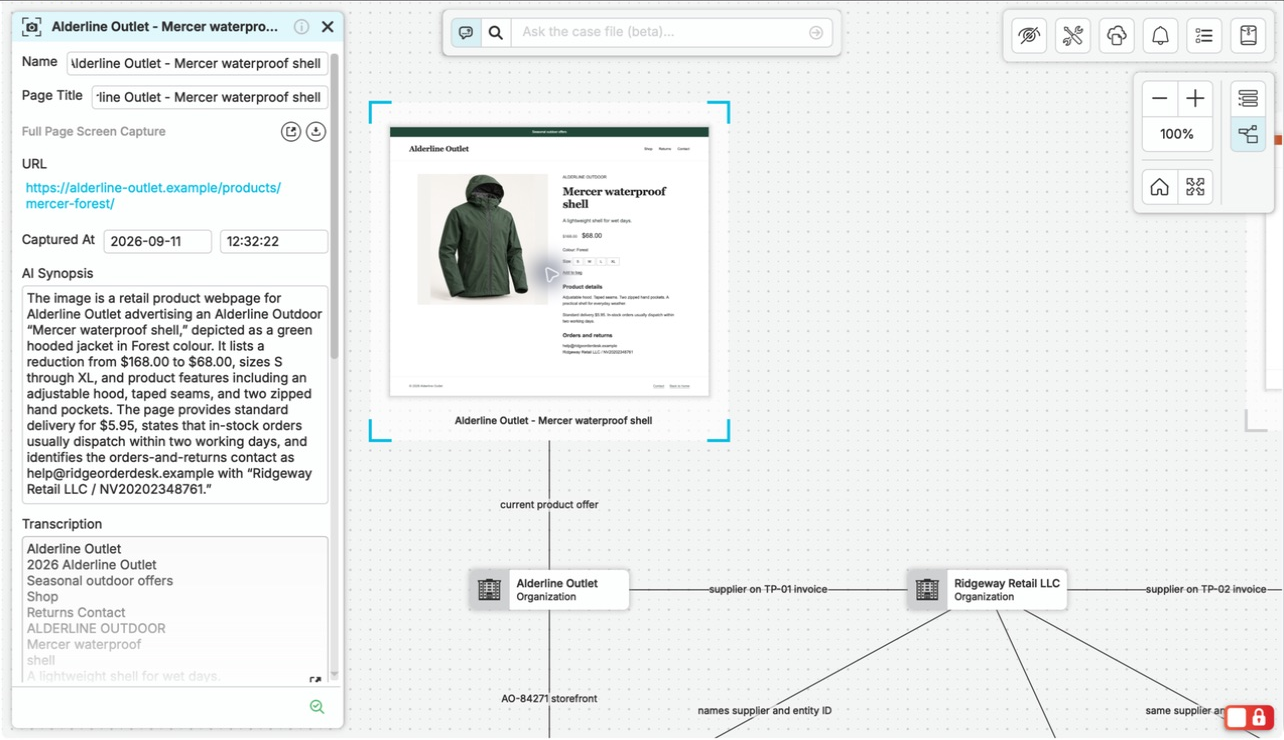
Spend more time investigating and less time working through menus. Capture sources, find case records, and ask AI questions in one connected workspace, with fewer clicks to keep the investigation moving.
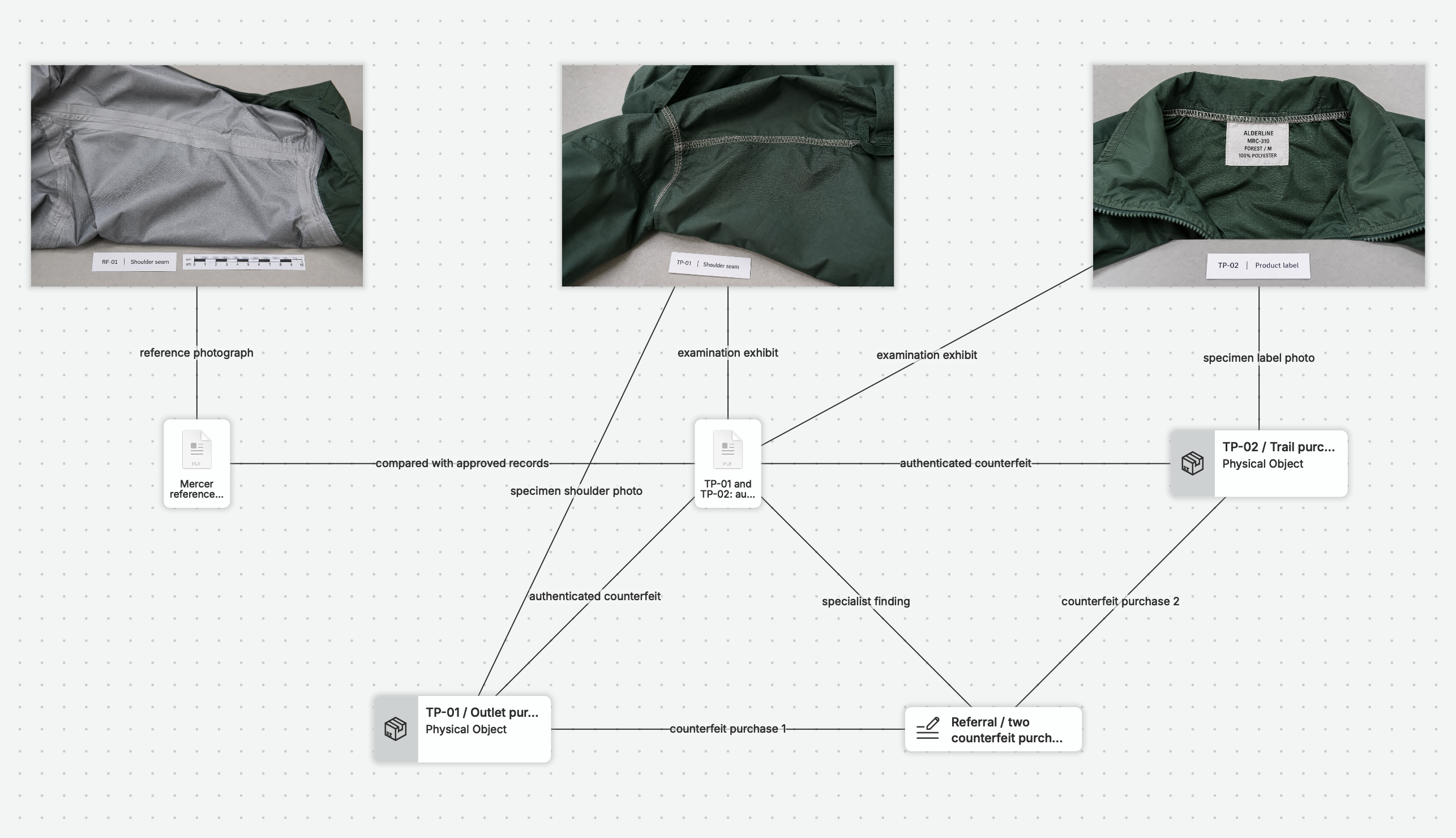
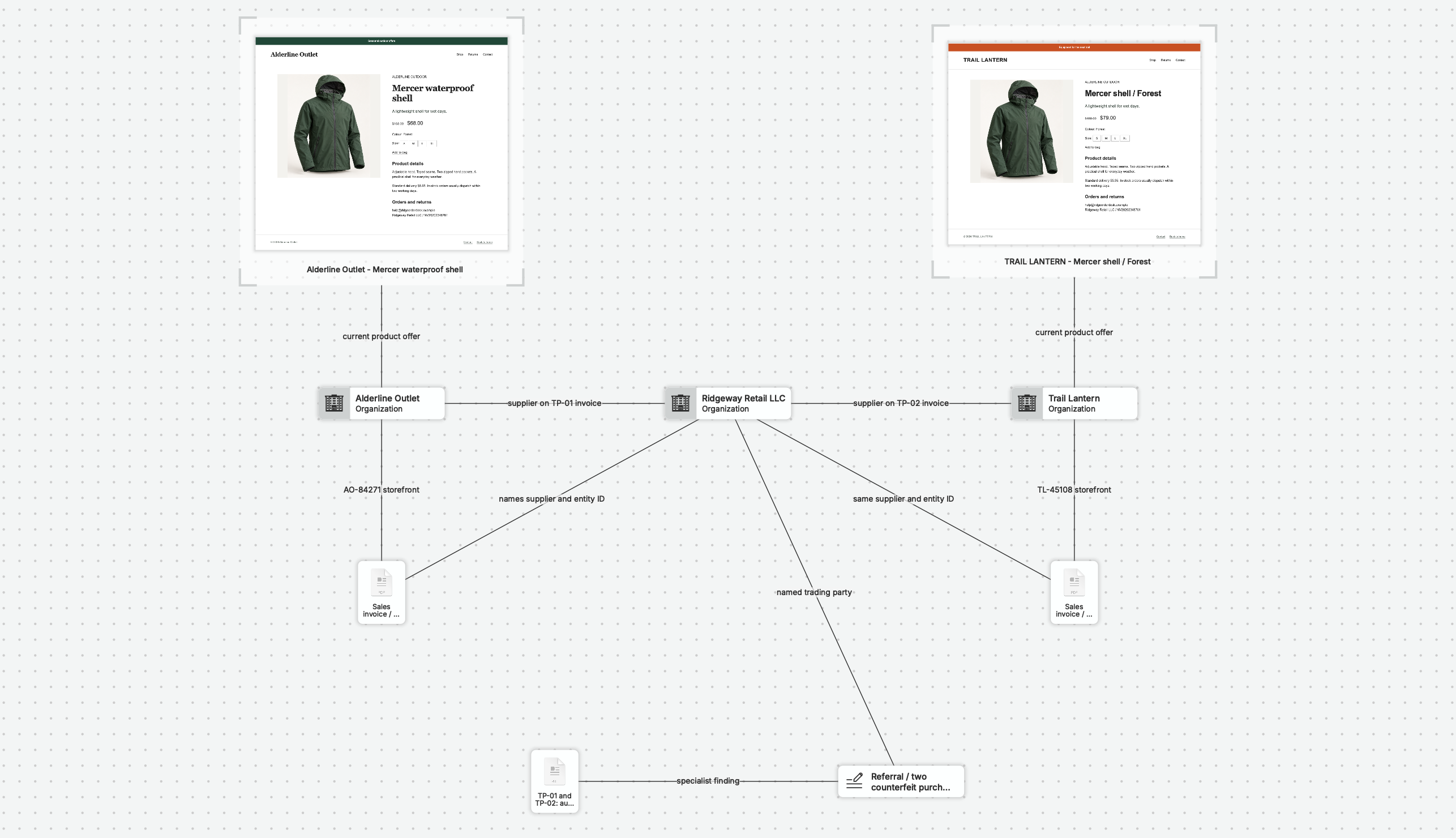
Start with captures, files, and notes. Use the list to find a record, ask a question in plain language, and follow the answer back to its sources. Add relationships as your case develops, then draft an editable Word report from the same material.
Get Content In.
OSINTracker imports entities and relationships from CSV or JSON files. Its Epieos and OSINT Industries connectors also turn exported JSON results into entities and relationships. When your research comes in a supported format, those imports give you a structured starting point.
nQuest’s capture tools work across websites and internal systems, with screenshots and files for other sources. Bring in what you can view or export without a dedicated integration for each source. The tradeoff is less structure at intake: captures and documents preserve the source material, while you add entities and relationships as the investigation develops.
Keep the Investigation Moving Between People.
nQuest keeps case ownership, contributions, and reviewer access with the ongoing investigation. A colleague’s progress and return note stay beside the material, so you can pick up their work with its context intact. One person edits the case file at a time.
nQuest combines a desktop application with cloud case services. OSINTracker keeps investigation records locally in the browser and provides a read-only viewer for exported investigation files.
See nQuest in a Familiar Investigation.
Explore a written example case to see how nQuest supports a locate, connected-account inquiry, or incident review. Follow the sources, the connections that shape the investigation, and the findings prepared for the next recipient.
Your 30-day free trial includes onboarding and setup assistance, so you can bring that workflow to an assignment of your own.
Bring Your Sources into the Next Investigation.
Start in nQuest with source files, notes, and new browser captures. For existing OSINTracker research, its documented exports include investigation files, HTML, Markdown, CSV, JSON, and graph images.
Talk to us about the formats and relationships you want to carry over for a structured migration. We can review the intake path for your material before you plan a move.
Questions Worth Asking.
What is the comparison based on?
OSINTracker documentation and nQuest product documentation and implementation, reviewed on 4 September 2026. The comparison covers collection, case structure, collaboration, data handling, and exports.
How can I bring existing research into nQuest?
Add source files as documents, capture relevant web material, and connect your observations in the case. For a structured migration, contact us with the formats and relationships you want to carry over.
Why choose nQuest for my next investigation?
Choose nQuest for easier everyday casework with fewer clicks. Browser captures keep their context, AI answers link to your sources, and team contributions stay with the investigation through to reports and review.